Flashlight3.0.7
Flashlight App – Light up the Dark!
Looking for something under the bed? Don't have a torch to dispel the darkness? If yes, then this flashlight app can help you out. Flashlight is a useful app that allows you to illuminate dark rooms and spaces by letting you turn on the flash of your phone's camera. It enables you to use your phone as a torch and see in the dark. You will get to enjoy bright light from the flash of your phone's back camera. This flash is usually used for taking pictures in the dark. With this app, you can use the flash's light for performing various tasks at night. For instance, if you are driving at night and have change a flat tire, this app can come in handy.
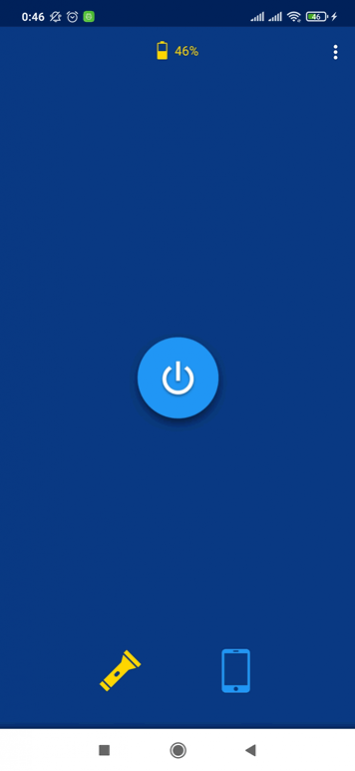
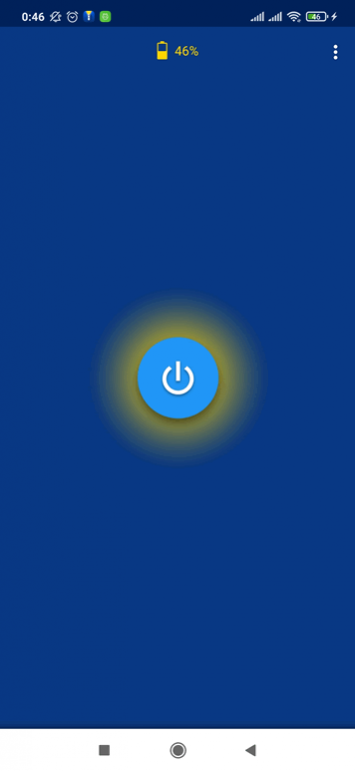
Flashlight has a simple and uncomplicated user interface. The design and layout of this flashlight app are very user-friendly too. There is a power button located in the center of the screen. You can use it for switching on and switching off the flashlight. When the flashlight is switched on, the power button glows and has a yellowish hue around it. While the flashlight is turned on, you will see bright white light flooding from the back of the phone where the flash is located. You can use this light for performing any kind of work at night. Do keep in mind that keeping the flashlight turned on for long periods will exhaust your phone's battery life. You can view the remaining battery percentage of your phone at the top of the screen.
This flashlight app provides you two different modes. You can choose the flashlight mode in which the flash of the onboard camera is used. The second mode is the white screen mode. This mode is aimed at people who have a device that doesn't have a flash. You can use the white screen mode to turn on the brightness of your phone's screen. It will provide you ample light to do any work that you want. You can select the mode you want by clicking its respective icon located at the bottom of the screen. The torch icon is for the flashlight mode while the screen icon is for the white screen mode. The color of the icon will change to yellow depending on the mode you select.
Flashlight offers you a variety of customization options in the Settings menu. You can access this menu by clicking the 'three vertical dots' located at the top-right corner of the screen. In this menu, you will get to decide whether you want to turn on the flashlight at startup or not. Also, you will find options for showing a status bar and hearing switching sounds. If you want to enable these options, you can checkmark the boxes located in front of them. Another option available on the settings menu lets you turn off the flashlight when you exit the app.
Features:
- Simple user interface
- User-friendly design and layout
- Turn on flash with the push of a button
- Enjoy bright light that illuminates everything
- A large power button in the center
- Switch off flashlight with one button-press
- White screen mode available
- View the phone's remaining battery percentage
Conclusion:
Flashlight is an app for people who don't own a torch and want to use their phone as a flashlight. It enables you to switch on the flash located at the back of your phone and use its light to see in the dark. It is a flashlight app worth having on your phone if you have to frequently drive at night.
